Use cases
Choosing a network for outdoor POS devices
Learn to ensure reliable outdoor POS transactions by comparing network options, security standards, and the benefits of multi-carrier connectivity.

September 4, 2026
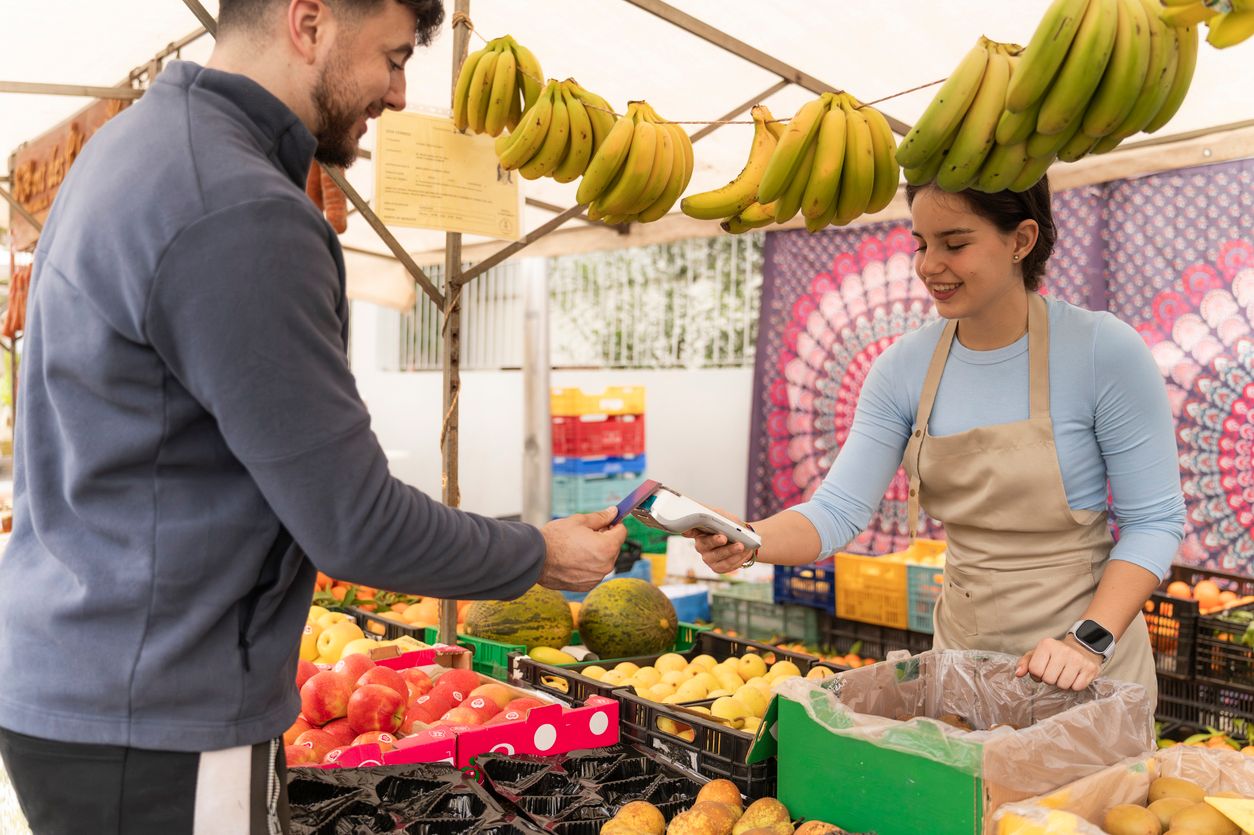
When choosing a network for portable outdoor POS devices, the top considerations start before a single transaction runs. A dropped connection at checkout can mean more than an awkward pause. It risks a lost sale, frustrates customers, and can make the line grow longer by the second.
Outdoor POS devices often face connectivity challenges that many fixed indoor terminals don't encounter as frequently, such as variable cellular coverage, exposure to weather, and lack of fixed infrastructure.The factors that contribute to a 7% mobile payment failure rate in areas with poor internet and infrastructure. This guide covers the network options, security requirements, and management considerations that keep portable payment devices online wherever your business operates.
Key takeaways
- Cellular 4G LTE and 5G connectivity provides more reliable and secure connections for outdoor POS devices than public Wi-Fi, which introduces security risks and unpredictable bandwidth sharing.
- Multi-carrier SIMs and eSIMs enable automatic network switching when signal quality drops, reducing transaction failures and minimizing the average 22 minutes of downtime per payment disruption incident.
- PCI DSS compliance requires end-to-end encryption (such as TLS) for all card transactions regardless of network type, though cellular connections add an extra layer of radio-link encryption compared to open Wi-Fi.
- Up to 40% of customers abandon purchases after a payment decline, making network reliability and low latency (under 100 milliseconds) critical factors for outdoor POS operations.
Why network choice matters for portable outdoor POS devices
Choosing the right network for portable outdoor POS devices is critical to prevent dropped transactions, slow checkout lines, and lost revenue. Network reliability, cellular coverage, and strict security are the most vital factors for seamless outdoor operations.
Think about what happens when a customer hands over their card at a food truck or farmers' market booth. The terminal tries to authorize the payment, but the connection drops. Now you've got an awkward pause and a line forming behind them.
Up to 40% of customers abandon purchases entirely after a decline.
Many outdoor environments don't have the luxury of hardwired internet or stable building Wi-Fi. You're working with whatever connectivity you can bring with you. That makes your network choice one of the most important decisions for your outdoor POS setup.
Connectivity options for portable outdoor POS devices
Four main connectivity types work for outdoor POS, and each comes with trade-offs worth understanding.
| Connectivity type | Best for | Key limitation |
|---|---|---|
| Public Wi-Fi | Temporary indoor setup | Security risks, unreliable |
| Cellular 4G LTE/5G | Mobile and outdoor deployments | Requires carrier coverage |
| Mobile hotspots | Backup connectivity | Battery drain, extra hardware |
| Satellite fallback | Remote locations | Higher latency |
Public Wi-Fi and venue networks
Public Wi-Fi seems like an easy option, especially when a venue offers free access. The problem is that you're sharing bandwidth with everyone else at that location. During a busy event, speeds can crawl.
Security is the bigger issue. Open networks don't encrypt the Wi-Fi link by default, which makes it easier for attackers on the same network to attempt interception. While payment apps typically encrypt card data end-to-end using TLS, open Wi-Fi still increases the attack surface compared with a secured private network.
Many security guidelines advise caution when using public Wi-Fi for card transactions. It can complicate PCI DSS compliance, and some payment processors discourage it in high-risk scenarios.
Cellular 4G LTE and 5G
Cellular connectivity gives you a connection independent of the venue's Wi-Fi. It's less affected by local Wi-Fi congestion, though it still shares capacity with other cellular users. Your POS terminal connects via the cellular network, which typically encrypts the radio link between the device and the cell tower.
This is one layer of protection. You still need end-to-end encryption (such as TLS) in your POS application to protect data to the payment processor.
Most modern POS terminals either have built-in cellular modems or work with external cellular routers. 4G LTE handles payment transactions with room to spare since each transaction only moves a few kilobytes of data. 5G adds extra capacity for crowded venues like stadiums or festivals where many devices compete for tower access.
Mobile hotspots and tethering
A smartphone hotspot works as a backup when your primary connection fails. You're turning your phone into a small Wi-Fi hotspot that shares its cellular connection with your POS device.
The downsides add up quickly, though. You're draining your phone battery, adding another device to manage, and creating another potential failure point.
For occasional backup use, hotspots are fine. For daily operations, they introduce more complexity than they solve.
Satellite fallback for remote locations
Some outdoor deployments happen far from cell towers. Think agricultural shows in rural areas, remote festivals, or wilderness events where cellular coverage simply doesn't reach.
Some providers offer hybrid connectivity where a single SIM profile can authenticate to both cellular and certain satellite networks, assuming the device hardware supports both. In those setups, the device can be configured to use cellular when available and fall back to satellite when it's not.
Satellite connections have higher latency, so transactions take a bit longer to process. But they still complete, which matters when you're miles from the nearest cell tower.
Coverage and roaming across outdoor locations
Portable POS devices often travel between venues, cities, or regions. A SIM that works perfectly at one location might struggle at the next because carrier coverage varies by geography.
- Single-carrier SIMs: Works well where that carrier has strong coverage but may lose signal elsewhere
- Multi-carrier SIMs: Automatically connect to the strongest available network across multiple carriers, giving your device options when one network is weak
- Global coverage: Matters for businesses operating across state or national borders, where a single carrier's footprint may not extend
Before deploying devices, it's worth checking carrier coverage maps for your typical operating areas. Even better, a connectivity provider with access to multiple carriers lets your devices switch networks automatically based on signal strength.
Bandwidth and latency requirements for modern POS terminals
Two terms come up often when discussing network performance: bandwidth and latency. Bandwidth refers to how much data your connection can transfer at once. Latency measures how quickly data travels between your device and the payment processor.
POS transactions are small. Each one moves just a few kilobytes of data. You don't need fast download speeds for streaming video or large file transfers.
What matters more is consistent, low-latency connectivity. When a customer swipes their card, the authorization request travels to the payment processor and back. Latency under 100 milliseconds keeps that exchange feeling instant.
On many 4G and 5G networks, you can achieve this performance. Actual latency varies based on coverage, signal quality, and network congestion. Congested Wi-Fi networks often can't make the same guarantee because traffic from other users creates unpredictable delays.
Security and PCI compliance for outdoor payments
Any business processing card payments must follow PCI DSS (Payment Card Industry Data Security Standard). These rules protect cardholder data and are mandatory in the US since March 31, 2025 under version 4.0.1. Your network choice directly affects how easily you can meet compliance requirements.
Encryption and private network routing
Cellular connections typically encrypt the radio link between the device and the tower by default. However, you still need end-to-end encryption (such as TLS) in your POS application. This keeps payment information protected beyond the mobile network to the payment processor.
For additional security, some connectivity providers offer private APNs. APN stands for Access Point Name, and it's essentially the gateway between your device and the internet. A private APN routes your traffic through secure pathways that are isolated from public internet traffic, adding another layer of protection.
PCI DSS requirements for cellular POS
PCI DSS requires that cardholder data be protected with strong encryption (such as TLS) during transmission, whether you use cellular or Wi-Fi. Cellular networks add an extra layer of radio-link encryption. This reduces risks compared with open or poorly secured Wi-Fi, but doesn't eliminate the need for application-level encryption and other PCI controls.
Your payment processor handles most compliance details on the backend. But your network choice can simplify the picture or complicate it.
Using cellular can simplify network design and reduce risks compared with public or shared Wi-Fi. You still need proper encryption and security controls to remain PCI compliant.
SIM-level authentication
Every SIM authenticates with the cellular network before connecting. The network verifies that your device's SIM is legitimate and authorized to access the network.
This verification happens automatically and adds a layer of protection compared with open, password-free Wi-Fi networks. Enterprise-grade Wi-Fi can provide similar authentication, but it's more complex to configure and manage.
Redundancy and failover for uninterrupted transactions
A single point of failure is risky for payment processing. When your only network option fails, transactions stop completely. Payment disruptions caused an average of 22 minutes of downtime per incident in 2025.
Multi-carrier SIMs and eSIM profiles
Traditional SIMs lock you to one carrier. If that carrier's network has an outage or weak coverage at your location, you're stuck.
Multi-carrier SIMs and eSIMs can hold multiple network profiles, giving your device options. An eSIM is an embedded SIM chip programmed over the air without physically swapping a card.
eSIMs come in different standards: SGP.02 allows remote profile management by an administrator. SGP.32 lets the device itself initiate profile downloads.
Automatic network switching
The best failover happens with minimal manual intervention. Rules-based switching can detect when signal quality drops below a threshold and automatically connect to an alternative network.
In many cases, your staff can keep processing payments with minimal interruption. Some transactions may fail while the connection switches.
Uptime SLAs to look for
An uptime SLA, or Service Level Agreement, is a contractual guarantee from your connectivity provider. It specifies what percentage of time the service will be available and what happens if the provider falls short.
Look for providers offering 99.9% uptime or higher. Some providers also offer outage protection that credits your account or provides additional support during service disruptions. Getting these terms in writing gives you recourse if connectivity problems affect your business.
Device management and scalability for mobile POS fleets
Managing one or two devices is straightforward. These are key considerations when choosing a network for portable outdoor POS devices at scale. You can configure them by hand, swap SIMs when needed, and troubleshoot problems as they come up.
Managing dozens or hundreds of devices across multiple locations is a different challenge. Manual management doesn't scale.
Remote eSIM provisioning
Over-the-air provisioning lets you activate SIMs remotely. Instead of physically inserting a SIM card into each device, you can activate connectivity via QR code, activation code, or MDM platform. MDM stands for Mobile Device Management, which is software that controls device settings and apps from a central console.
This approach lets you ship devices directly to new locations and activate them without touching each one. It also makes it easier to change connectivity profiles or carriers without sending someone to physically swap SIMs.
Real-time diagnostics and alerts
Proactive monitoring catches connectivity issues before they cause transaction failures. A good management platform shows signal strength, data usage, and connection status for every device in your fleet.
Alerts notify you when something looks wrong. Maybe a device hasn't connected in 24 hours, or data usage spiked unexpectedly. You can investigate and act before your team in the field even notices a problem.
API and dashboard controls
Centralized management through a single dashboard saves time and reduces errors. You can view all devices, update settings, and troubleshoot issues from one place instead of logging into multiple systems or making phone calls.
API integrations connect your connectivity platform to existing business systems. If you have custom workflows or want to automate certain actions, APIs let you build those connections without manual intervention.
Total cost of ownership for portable POS connectivity
Monthly data fees are just one piece of the cost picture. Looking at total cost of ownership gives you a more accurate view of what you'll actually spend.
- Data plans: Flexible or pay-as-you-go pricing works well for seasonal businesses, while fixed commitments may offer lower per-megabyte rates for consistent usage
- Hardware costs: Embedded cellular modems reduce complexity, while external cellular routers add flexibility for legacy devices that lack built-in connectivity
- Roaming fees: Predictable pricing across regions avoids surprise charges when devices travel, while per-country roaming can spike your monthly bill unexpectedly
- Management overhead: Time spent troubleshooting connectivity issues has a real cost, and automated monitoring tools can reduce that burden significantly
When evaluating providers, ask about transparent billing. Hidden fees for overages, roaming, or support can add up quickly and make it hard to predict your actual costs.
FAQs
Can portable POS devices work without internet?
Most portable POS devices require real-time connectivity to authorize card payments, though some support offline mode that queues transactions locally until connectivity returns.
What network speed do outdoor POS terminals need?
Payment transactions move only a few kilobytes of data per transaction, making 4G LTE more than sufficient for outdoor POS operations even during peak periods.
Is public Wi-Fi safe for processing card payments?
Public Wi-Fi increases security risks because open networks don't encrypt the Wi-Fi link by default, making it easier for attackers on the same network to attempt interception even when payment apps use end-to-end encryption.
What uptime guarantee should I expect from connectivity providers?
Look for providers offering 99.9% uptime or higher with contractual Service Level Agreements that specify what happens if the provider falls short of their guarantee.
Get started with Hologram for portable outdoor POS connectivity
Hologram provides multi-carrier cellular connectivity across 550+ carriers in 190+ countries. The Hyper SIM automatically selects from multiple partner networks. It typically connects to a strong option in each area, improving the chances your outdoor POS devices stay online.
The Hologram dashboard gives you real-time visibility into your entire fleet, with proactive alerts and API integrations for custom workflows. A contractual 99.95% uptime SLA backs Hologram's core connectivity platform. This helps ensure high availability for your connections. Hologram Conductor is a SIM orchestration tool that provides automated profile switching, policy-based fleet recovery, and centralized lifecycle management for IoT deployments
Get started with Hologram to see how reliable connectivity can simplify your outdoor POS operations.